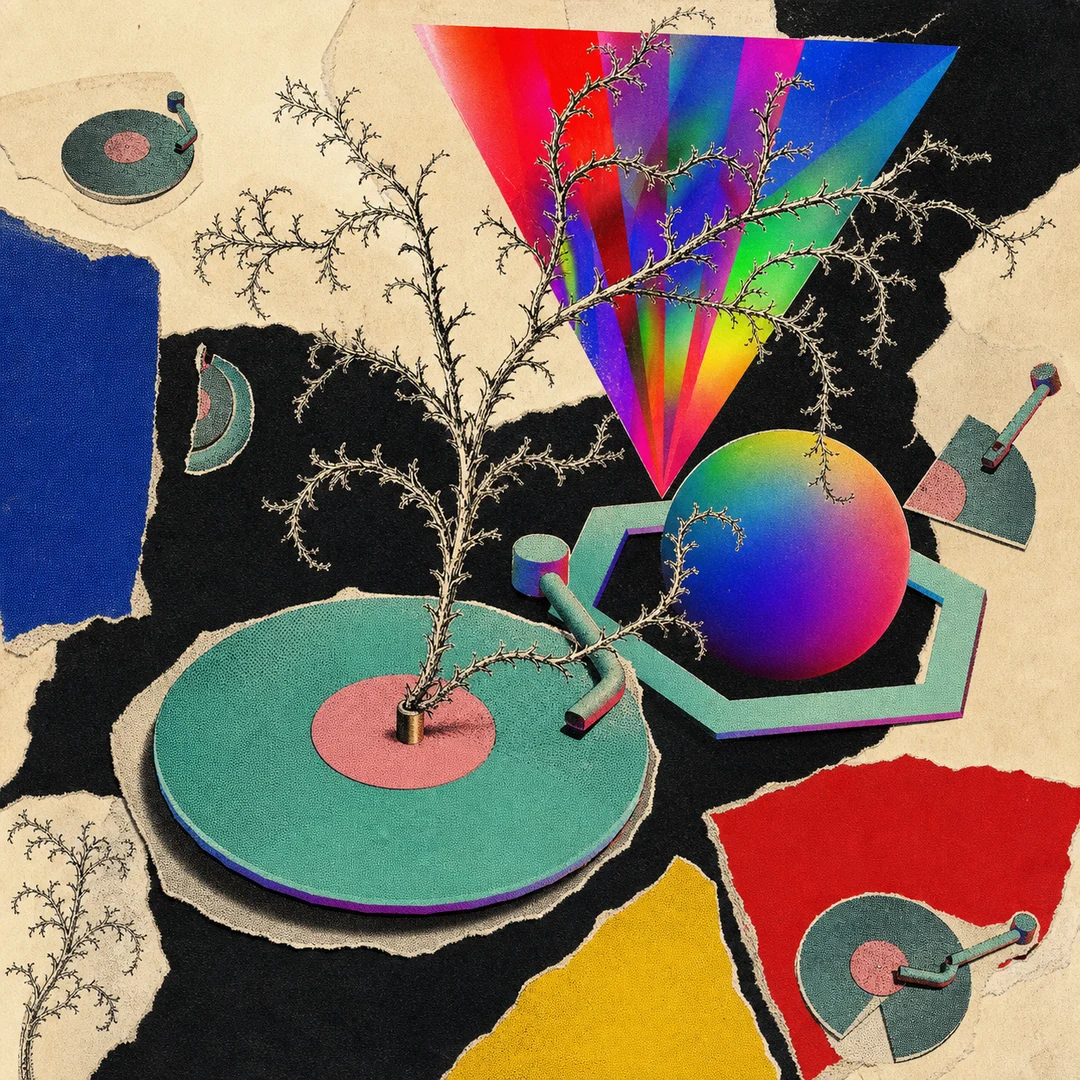
Orbiters — previously called Interplanetary Players
Please unmute your device and press the PLAY ▶️ button. Adjust the sound by moving the XYZ KNOBS up or down until you like what you hear. If you want to go back to the original sound, press the hexagonal ⬢ buttons to reset the knobs to their equilibrium.
Experiment with 7 unique modes, creating with real data from exoplanets and their transits and orbits across different time scales. Leave the button pressed to get hints about these parameters.
Discover the different cards effects as if you’re adjusting a spaceship’s experience.
Sync your remix with the movement of the Kepler-47 star system. It’s like mixing soundscapes with a touch of stardust, opening a new spectrum of possibilities for jamming with the cosmos.
Version two is a new instrument, written from scratch for Plantasia Space, and it is open source — the whole thing is out in the open, to read, to learn from, to build on.
It is also built to be played with other people. Orbiters run as an online jam: you and your friends on the same sounds at the same time, from anywhere in the world.
Press play, then move across the screen: X and Y follow your hand, and Z follows a zoom. Double-tap one knob to bring a single axis back to equilibrium, or double-tap the screen to reset all three — equilibrium is the sound as it was recorded, so you can always find your way back to it.
Every Orbiter carries three dimensions, and the same X, Y and Z do something different in each one — press 1, 2 or 3 to move between them. Drag across the waveform to set a loop and keep it, or switch it off without losing where it was. Each axis has its own Cosmic LFO, some turned by hand and some by the real movement of an exoplanet.
This is the workshop, open to try right here. Make your own version of an Orbiter: choose the effects each axis reaches for, lay out the panel the way you want to play it, and give it its own colours. Nothing here is saved — it is a demo, and it resets when you leave.
To open the full version, and to create, save and share music with your own Orbiters, come to Plantasia Space.
Parts of this work were made with AI. AI transparency